
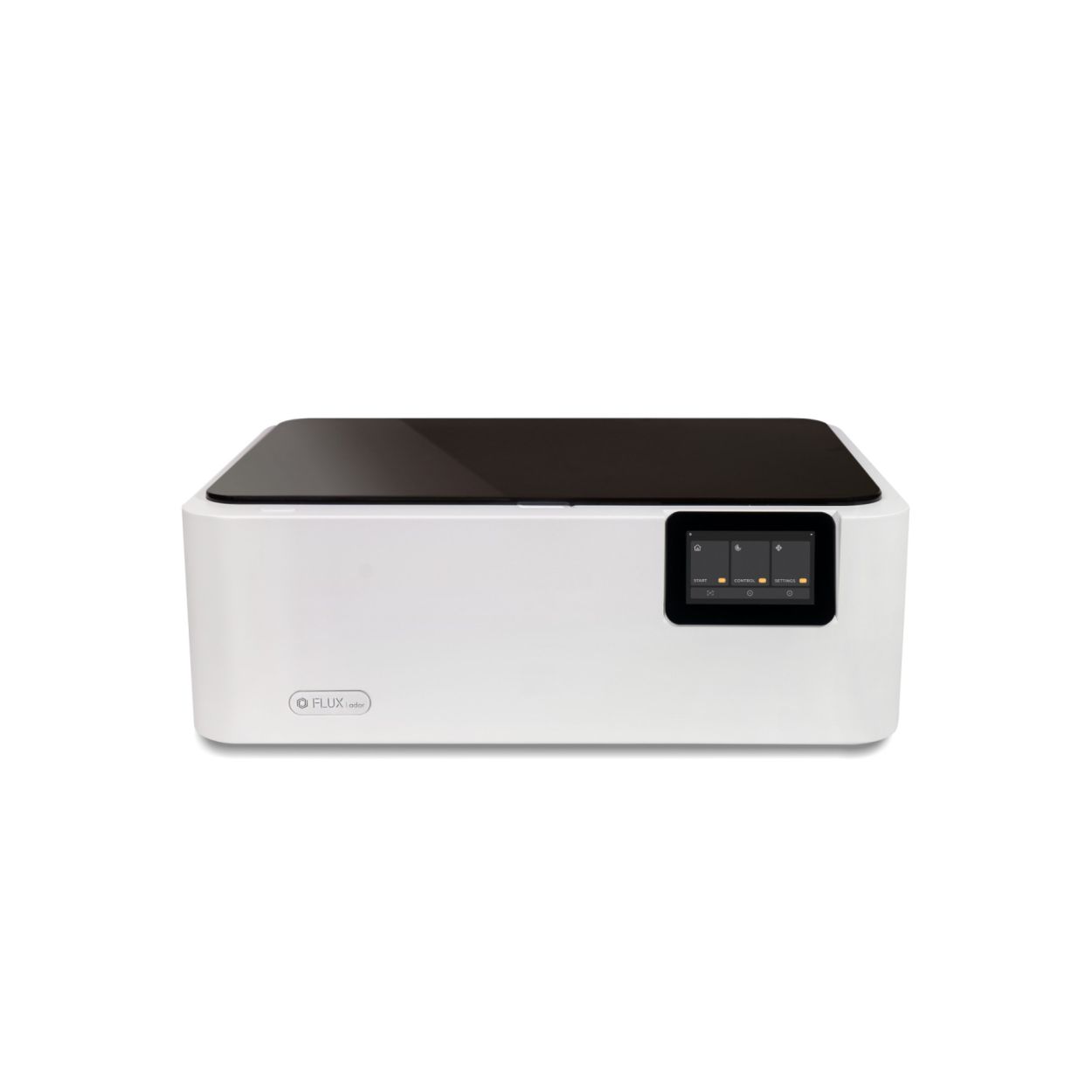
Flux Ador (20W)
FLUX Ador — Colour Printing Laser Cutter & Engraver
A compact, enclosed desktop system that combines diode laser cutting and engraving with on-device colour printing. Ador is built for makers and workshop teams who want precise vector cutting, crisp engraves, and the ability to add full-colour graphics in one workflow. Core highlights include a 430mm x 300mm working area, up to 30mm starting Z-clearance, an 8MP alignment camera, a 5" touchscreen dashboard, and interchangeable modules: 10W or 20W diode laser, 2W infrared laser, and a colour print module.
Precision Workflow: Camera, Control, and Workspace
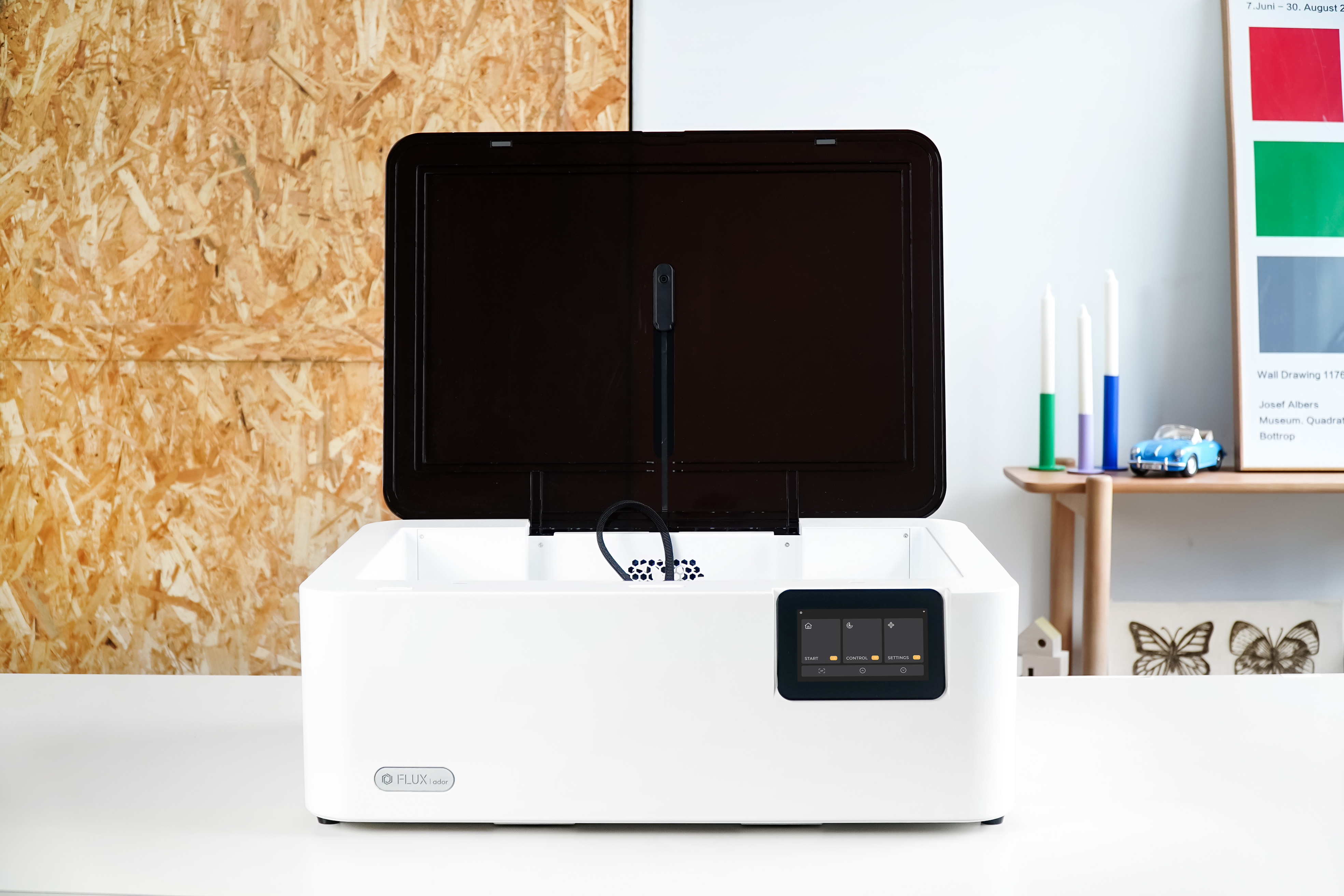
• Working area: 430mm x 300mm; starting Z-depth up to 30mm for jigs and thicker stock.
• 8MP fisheye camera: one-click material capture for rapid, accurate artwork placement and batch alignment.
• 5" touchscreen dashboard: start or stop jobs, adjust settings, and monitor progress without a connected PC.
• Enclosed chassis with clear lid: improves fume capture and user safety while keeping the footprint small on a bench.
Result: faster setup, fewer test cuts, and predictable placement across repeated jobs.
Modular Power: Pick the Right Tool for the Job
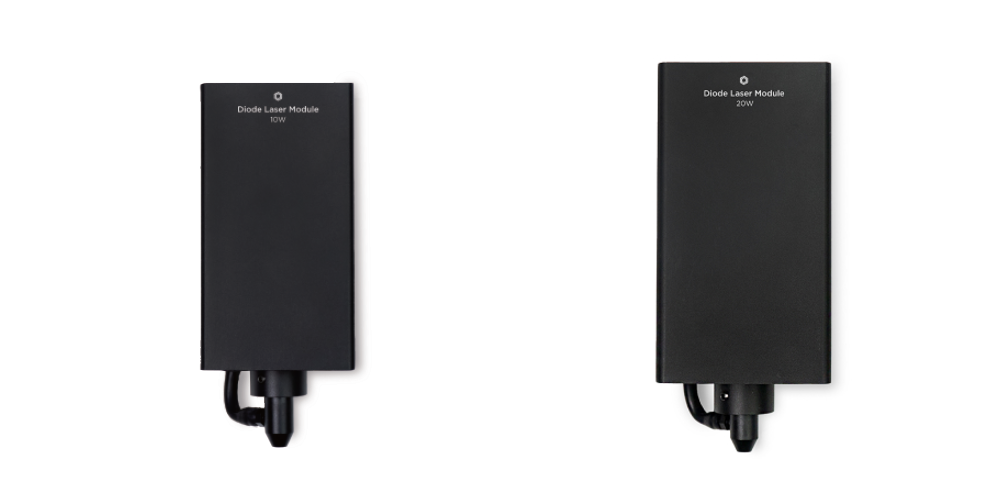
Diode Laser (10W / 20W)
General cutting and engraving on woods, leathers, paperboard, and coated materials. The 10W module is ideal for prototyping and marking, while the 20W module provides deeper single-pass cuts and higher throughput on dense woods such as cypress (up to around 15mm under ideal conditions).
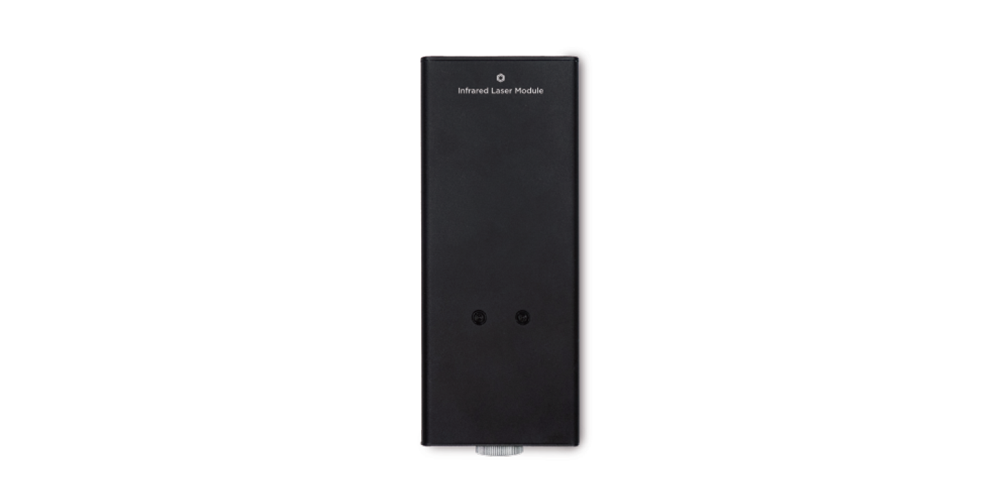
Infrared Laser (2W)
Mark metals and metal-like surfaces with better energy absorption than visible-light diodes. Ideal for serialisation plates, tools, anodised items, and plastics that are challenging for blue diodes.
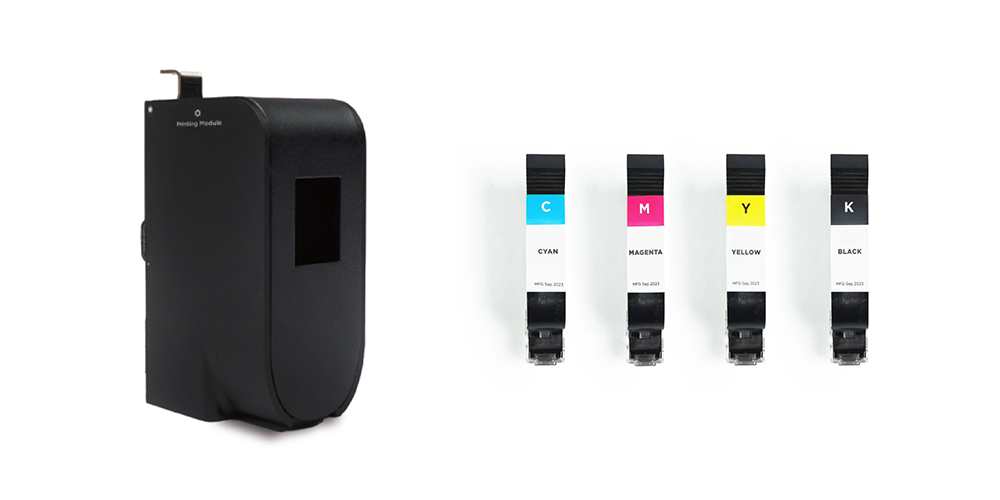
Colour Print Module
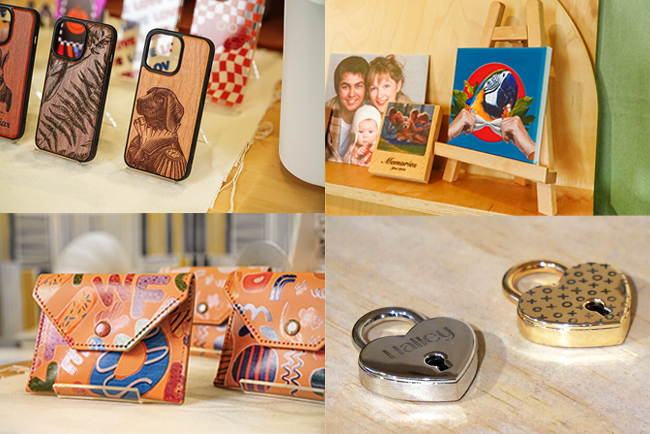
Add full-colour graphics directly to flat substrates before or after engraving. Perfect for branded plaques, signage, giftware, and short-run product customisation without a second machine or transfer step.
Materials, Applications, and Day-to-Day Use
• Typical materials (diode): plywood, hardwoods, MDF, paper, leather, cork, selected plastics, and coated metals.
• IR marking: anodised aluminium, certain steels, coated metals, and plastics designed for IR marking.
• Applications: product labels and tags, awards, signage, fixture panels, personalised giftware, cosplay props, box inserts, and short-run branded items with colour.
Cutting depth depends on material density, resin content, and optics. For best results use clean optics, correct focus, and a honeycomb or air-assist where appropriate.
Practical Specs and Buying Notes
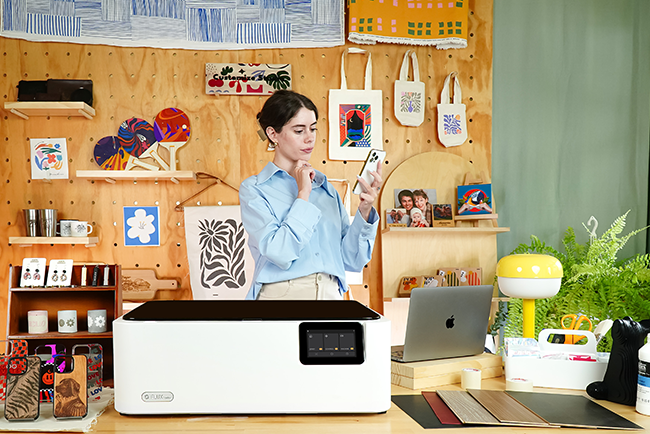
• Footprint: desktop-friendly enclosed unit with clear viewing window for safe operation.
• Vision: 8MP fisheye camera for whole-bed capture and placement.
• Control: onboard 5" touchscreen for local job control and status.
• Modules: 10W or 20W diode laser, 2W IR laser, and colour print module (optional).
• Work area: 430mm x 300mm, starting Z-clearance up to 30mm.
• Typical cut reference: up to 15mm cypress in one pass with the 20W module under optimal conditions.
If you mainly cut thicker hardwoods, choose the 20W version. If you need metal or metal-like marking, add the 2W IR module. For branded, sellable finishes without extra equipment, include the colour print module.
Video Overview
| Technical Specifications |
Technical Specifications
|
|---|
Product Specifications
- Ador-laser Cutting Colour Printer
- Diode Laser Module
- Thank you & Gift Card
- Quick Start Guide & Wood Piece
- Vent Hose
- Duct Clamp
- USB Cable
- Power Cord
- Power Adapter
- Prism Lift *6
- Lubricant Oil
- Hex Wrench
What is the difference between the FLUX Ador 10W and 20W laser modules?
The FLUX Ador is available with 10W and 20W blue diode laser modules. Both can engrave and cut materials such as wood, leather, paper and fabric, while the 20W module provides greater cutting power and is better suited to thicker materials or faster production. The best option depends on whether the machine will primarily be used for engraving, light craft work or regular cutting.
Can the FLUX Ador engrave metal?
Yes. The optional 2W 1064 nm infrared laser module allows the FLUX Ador to mark a wider range of metals and plastics than the standard blue diode module. Suitable applications include marking anodised metal, stainless steel, aluminium, copper and other compatible surfaces. It is intended for marking and engraving rather than cutting through metal sheet.
Can the FLUX Ador print in colour?
Yes. One of the FLUX Ador's main differences from conventional laser cutters is its optional colour printing module. It can apply colour directly to suitable materials and allows printed artwork to be combined with laser cutting or engraving in the same workflow. Surface preparation may be required on porous materials, while smooth surfaces can affect ink adhesion.
Can the FLUX Ador cut clear acrylic?
The standard blue diode laser module is not suitable for cutting transparent, white, light-coloured or blue-spectrum acrylic because these materials do not absorb the blue laser wavelength effectively. Dark and opaque compatible acrylics can be processed more successfully. A CO2 laser such as the FLUX beamo, Beambox II or HEXA is generally a better choice when clear acrylic cutting is an important requirement.
Does the FLUX Ador have autofocus and a camera?
Yes. The FLUX Ador includes automatic focusing and an 8MP camera preview system. The camera allows users to see the material inside the machine and position artwork within Beam Studio, while autofocus automatically adjusts the working height for the installed material and module.
Can the FLUX Ador engrave bottles, tumblers and other cylindrical objects?
Yes. The FLUX Ador supports optional rotary accessories for engraving cylindrical items such as bottles, glasses and tumblers. An Extension Base can provide the additional vertical space needed for taller objects and rotary work.
What software does the FLUX Ador use?
The FLUX Ador works with FLUX Beam Studio, which controls the diode laser, infrared laser and colour printing workflows from the same software environment. Beam Studio supports common design file formats including JPG, PNG, SVG, DXF, AI and PDF and can use the Ador's built-in camera for artwork placement.
Does the FLUX Ador need ventilation?
Yes. Although the FLUX Ador is an enclosed laser system, cutting and engraving materials can still generate smoke, particles and odours. The machine should therefore be connected to suitable extraction or a compatible filtration system such as FLUX Beam Air, particularly when it cannot be vented directly outside.
