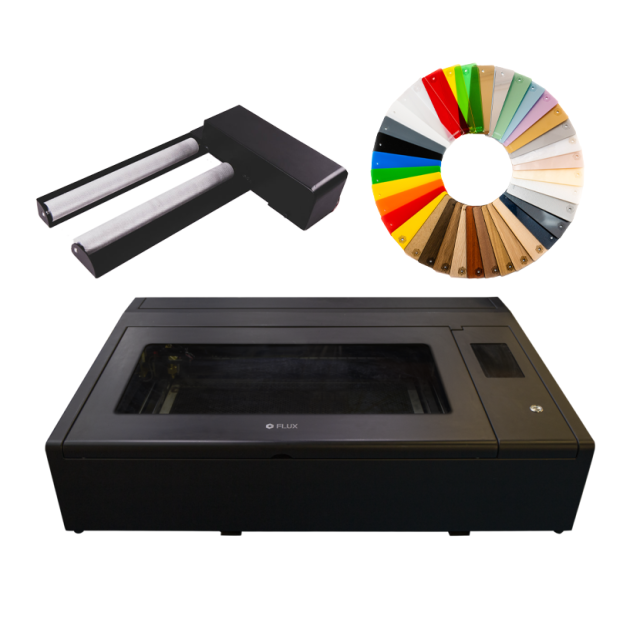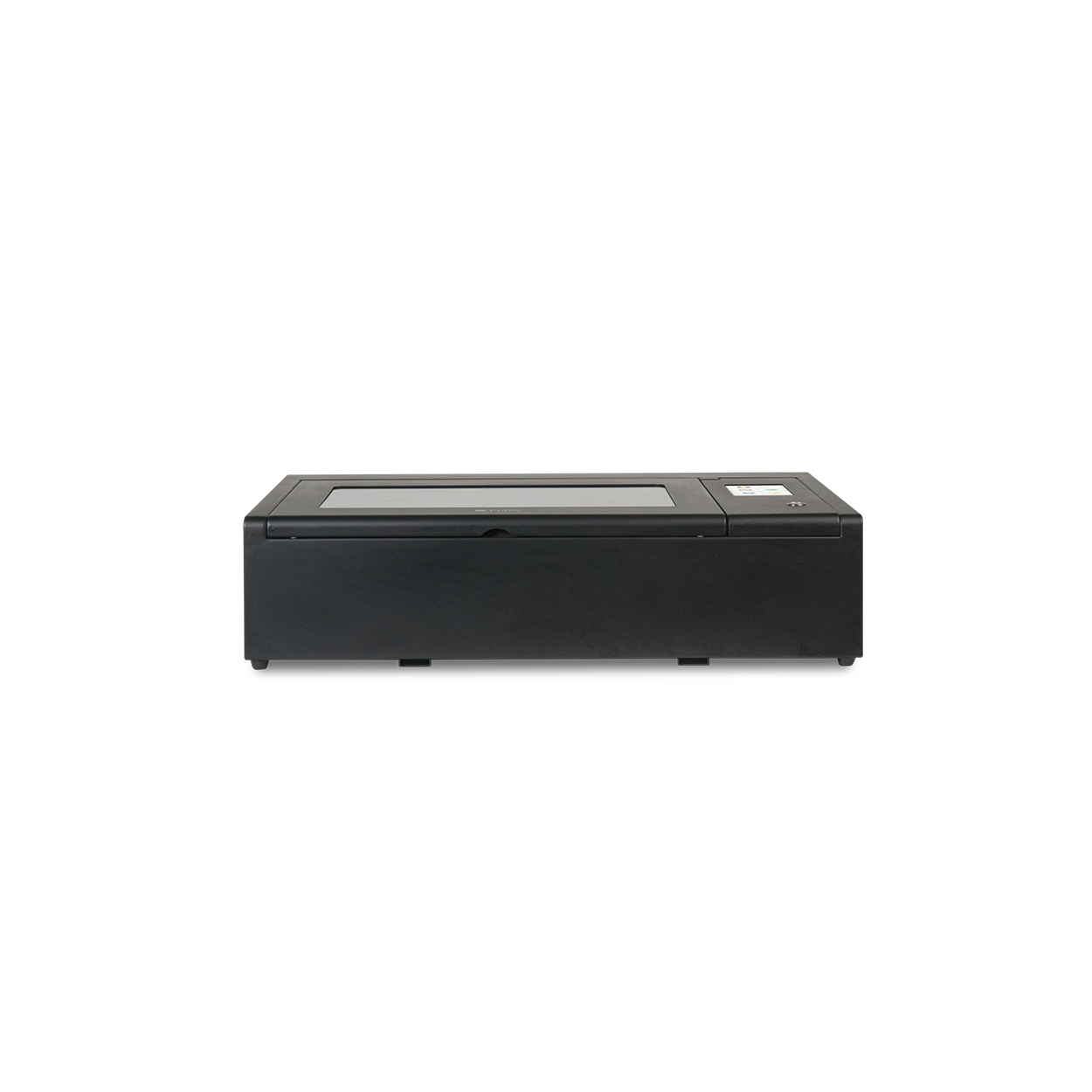
FLUX Beambox
-

FLUX Material Experience Pack - A4 Size
£161.76 £134.80 -

FLUX Rotary Module V2.0 Beambox Series
£320.38 £266.98 -

FLUX Training Service
£102.00 £85.00
For FLUX add-ons and spares click here.
Please be aware there is a 24 hour processing time for this product.
FLUX Beambox
Free your inner artist and bring your ideas to life. FLUX Beambox is a powerful laser cutter & engraver and engraver that lets you shape, cut, and engrave on materials like wood, leather, acrylic, and cardboard. FLUX Beambox meets all your expectations, and goes way beyond. Beambox’s innovative design makes it intuitive and simple, allowing you to use laser technology without all the fuss at an accessible price.
FLUX Beambox offers a maximum work area of 40 0 37.5 cm2 (15.7 x 14.7 inches) and cuts up to 10mm thick (varies for material).
Please be aware shipping time is 48 working hours for this product.
The Process, Made Easy
- Work on your design using softwares you’re familiar with, or just simply import JPG, PNG, SVG files to Beam Studio.
- Edit your files, set up cut/engrave layers, adjust laser power, speed, and number of repetitions in Beam Studio.
- Preview the work area to see what the task will look like. Press Start and FLUX Beambox will bring your ideas to life.
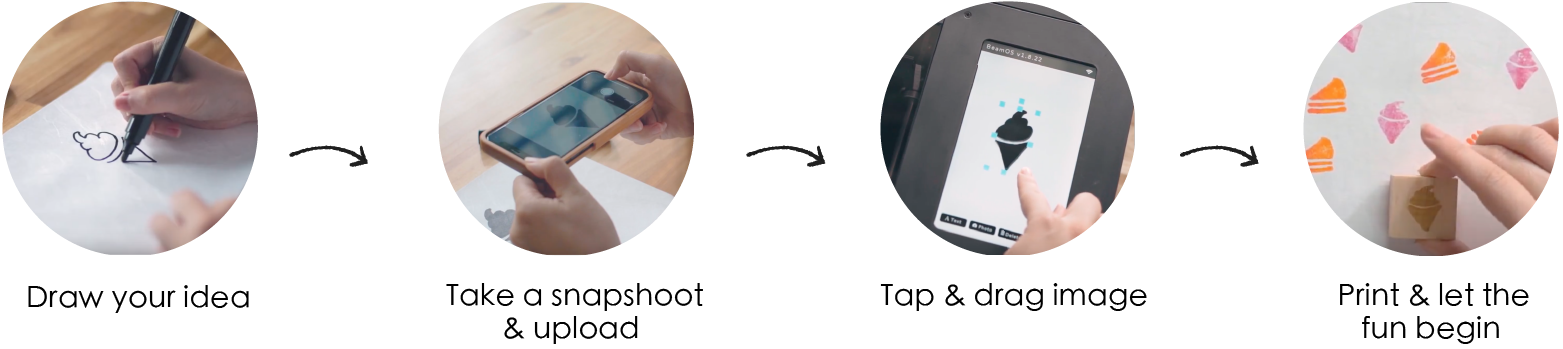
*Use the mobile app, BeamCam, for an even easier creative process.
Friendly Software For All
Beam Studio is the highly integrated software compatible with Windows, macOS and Linux, its intuitive user interface allows you to easily access all features of Beambox. Beam Studio enables multi-computer control and supports JPG / PNG / SVG / DXF files.
Intuitive and Ready To Use
Control and monitor your FLUX Beambox at your fingertips with the touch panel. Make sure your design is perfectly aligned using the built-in camera to preview the work area. Compact water cooling system takes simplicity to a whole new level.
What You See Is What You Get
The built-in camera allows you to preview your design and the work area to make sure everything is perfectly aligned.
Premium Laser Performance
Equipped with premium quality rails, the performance and the durability of FLUX Beambox is unparalleled. Integrated ventilation extracts smokes and fumes while an air pump leading straight to the laser head prevent the materials from catching fire.
Beambox VS Beambox Pro
The FLUX Beambox model uses a 40-watt laser tube and comes in a convenient size. It’s perfect for your home and creative use. The Pro model uses a high powered 50-watt laser tube and offers a spacious work area. It is designed for shared or all-day use. It’s perfect for business, school, makerspace, and more.
Material Packs
Starter Pack (pack of 3 sheets), 1 each of:
- Acrylic
- MDF
- Wood
Experience Pack (pack of 37 sheets)
A specially composed package of 37 different types of materials. A range from various Acrylic to Rubber and Wood. The materials are 210 x 300 mm big and 3mm thick (except for the stamp rubber which is 2,3mm). Click Here to view all materials
| Technical Specifications |
Technical Specifications
|
|---|
What's in the Box
- Beambox Laser Engraver
- Vent Hose
- Wi-fi dongle
- Power cord
- Lubricant
- Duct clamp
- Double sided tape
- Small wrenches
- Dampers
- Washers
- Nuts
What materials can the FLUX Beambox 40W laser cutter cut and engrave?
The FLUX Beambox uses a 40W CO2 laser and can cut or engrave a wide range of compatible materials, including wood, acrylic, leather, paper, card and fabric. The achievable cutting depth depends on the type and density of the material, the condition of the laser tube and the chosen power and speed settings. This makes the Beambox suitable for signage, personalised products, prototypes, model making, educational projects and small production runs.
What is the working area of the FLUX Beambox?
The FLUX Beambox has a working area of 400 × 375 mm, giving users considerably more space than smaller desktop machines such as the FLUX Beamo. The larger bed allows bigger designs to be produced in a single job and also makes it easier to arrange multiple smaller parts for batch cutting or engraving. This is useful for businesses, schools and workshops where several components may need to be produced at once.
What software does the FLUX Beambox use?
The FLUX Beambox is designed to work with FLUX Beam Studio, which is used to import designs, position artwork and control laser settings before sending a job to the machine. Beam Studio supports commonly used file formats including SVG, JPG, PNG, PDF, DXF, AI and WEBP, making it straightforward to move designs from popular graphics and CAD software into the laser cutting workflow.
Does the FLUX Beambox have a camera for positioning designs?
Yes. The FLUX Beambox includes a built-in camera preview system that allows the material inside the working area to be displayed within Beam Studio. Artwork can then be positioned over the material before the job begins. This is particularly useful when engraving existing objects, aligning graphics with a specific area of a workpiece or using smaller offcuts where accurate placement can help reduce wasted material.
Does the FLUX Beambox need ventilation?
Yes. As with other CO2 laser cutters, suitable ventilation is required to remove smoke, fumes and particles produced during cutting and engraving. FLUX recommends connecting the machine's ventilation hose to an appropriate external exhaust or extraction system. The machine should also be installed in a suitable indoor, well-ventilated environment and the extraction system should always be operating correctly while the laser is in use.
Is the FLUX Beambox suitable for businesses, schools and workshops?
Yes. The Beambox is designed as an enclosed desktop CO2 laser cutter and its combination of a 40W laser, 400 × 375 mm working area and camera-assisted workflow makes it suitable for a broad range of professional, educational and creative applications. Businesses can use it for personalised products, signs, prototypes and short production runs, while schools, universities and makerspaces can use it for design, engineering, model making and digital fabrication projects.