Flux


-
-
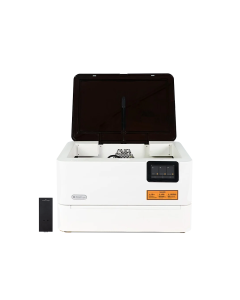
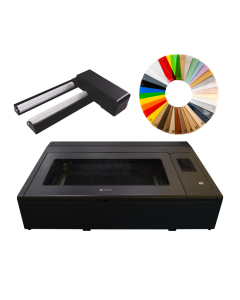
Flux Ador (20W) + Extension Base + 2W Laser Module Bundle
Special Price £2,531.00 £2,109.17 Regular Price £2,721.52 -
-
-

-
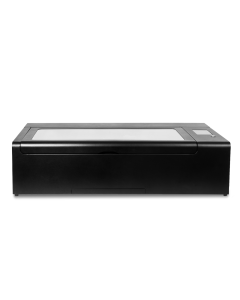
FLUX HEXA Professional 60W CO2 Laser Cutter & Engraver
£5,170.86 £4,309.05 -
-

-
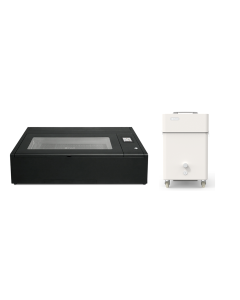
FLUX Beambox II & Beam Air Pro
Special Price £5,425.31 £4,521.09 Regular Price £5,710.86 -

-

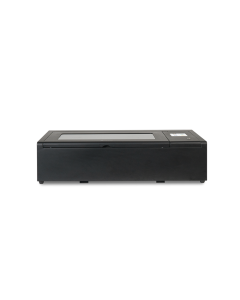
FLUX Hexa & Beam Air Pro Bundle
Special Price £6,622.32 £5,518.60 Regular Price £6,970.86 -
-
-
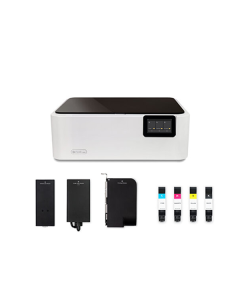
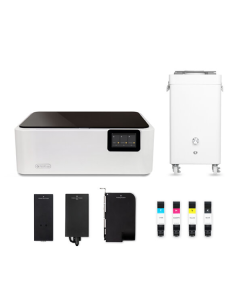
FLUX ADOR (20W) + 2 W INFRARED LASER + PRINTING BUNDLE
£3,011.48 £2,509.57 -
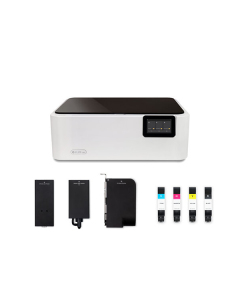
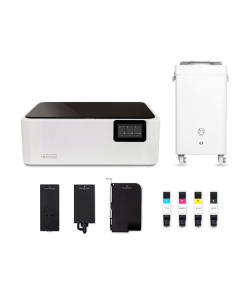
FLUX ADOR (10W) + 2 W INFRARED LASER + PRINTING BUNDLE
£2,577.08 £2,147.57 -
-

-

-
-
-
-
-
-
-

FAQs
Which FLUX laser cutter is best for me?
The best FLUX laser cutter depends mainly on the materials you want to work with, the size of your projects and how much cutting power you need. The Ador is a versatile diode laser suited to wood, leather, card and creative projects, while the compact Beamo adds CO₂ laser technology for materials such as clear acrylic. The more powerful Beambox II is well suited to larger acrylic signs, displays, jewellery, prototypes and thicker materials, while the HEXA offers a larger working area and higher productivity for schools, workshops and businesses. If your main requirement is marking and engraving metal, the FLUX ProMark fibre laser range may be more suitable. You can also use our product comparison tool to compare working area, laser power, cutting capability and other specifications side by side.
What materials can FLUX laser cutters cut and engrave?
FLUX laser cutters can process a wide variety of materials including wood, acrylic, leather, paper, cardboard, fabric and rubber, although compatibility depends on the type of laser being used. CO₂ lasers such as the Beamo, Beambox II and HEXA are particularly versatile and can work with clear acrylic, while diode lasers are better suited to materials such as wood, leather and paper. Fibre and infrared lasers are designed for marking and engraving metals and certain plastics. Some materials, including PVC, vinyl and unidentified plastics, should not be laser processed because they can release hazardous or corrosive fumes.
Are FLUX laser cutters suitable for beginners?
Yes. FLUX laser cutters are designed to make laser cutting and engraving accessible to beginners as well as experienced makers, schools and businesses. FLUX Beam Studio software provides tools for importing artwork, positioning designs, choosing cutting and engraving settings and previewing projects before processing. Common design files including SVG, DXF, PNG, JPG and PDF can be imported, so designs created in popular graphics software can easily be prepared for laser cutting. Many FLUX machines can also be used with LightBurn for users who prefer that workflow.
Do FLUX laser cutters need ventilation or an air filter?
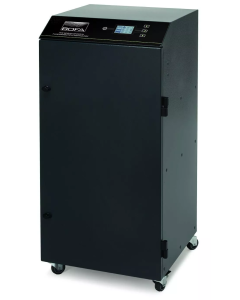
Yes, suitable extraction or filtration should be used when laser cutting and engraving because processing materials can produce smoke, particles and odours. Where possible, fumes can be exhausted safely outside, while a compatible filtration system such as the FLUX Beam Air range can be used where external ventilation is not practical. Air filtration is particularly useful for laser cutters installed in schools, offices, studios, workshops and other indoor environments.