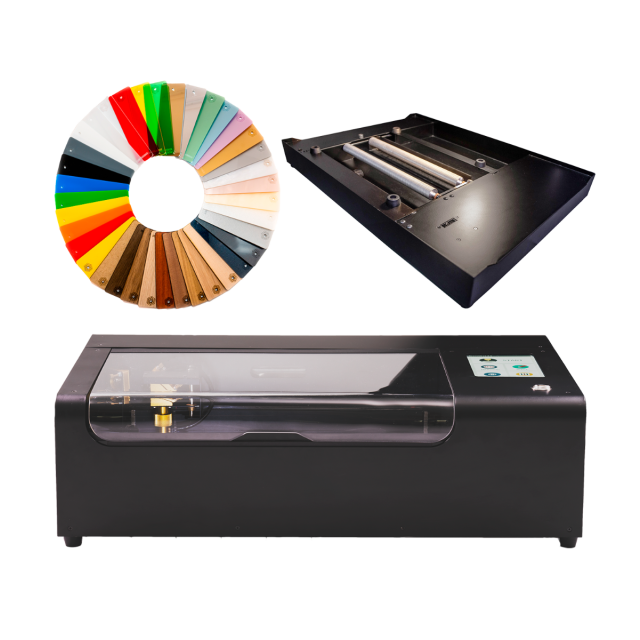
FLUX Beamo
-

Flux Beamo Rotary Extension
£573.08 £477.57 -

FLUX Autofocus Module for Beamo
£329.59 £274.66 -

FLUX Training Service
£102.00 £85.00
FLUX Beamo – Desktop CO₂ Laser Cutter
The FLUX Beamo is a compact 30 W CO₂ laser engineered for users who already understand fabrication workflows. It offers reliable cutting and engraving performance on wood, acrylic, leather, cardboard, and coated metals. Beam Studio software provides a clean interface for importing designs, adjusting speed and power, and managing multi-pass cutting with accurate camera alignment.
Compact CO₂ Workflow Integration
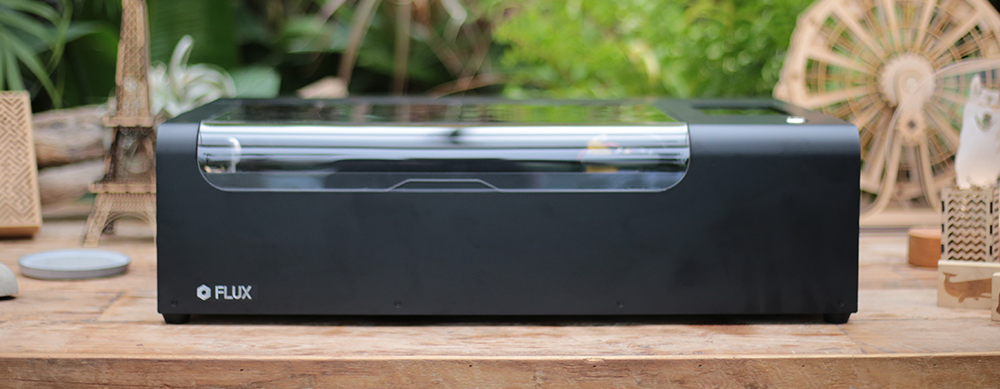
The Beamo’s 30 W CO₂ tube delivers dependable cutting and engraving in a compact, fully enclosed body suited to desks and home workshops. It works well with common materials such as plywood, acrylic, leather, and coated metals. The removable bottom panel also allows work on materials larger than the main bed area.
For experienced makers, its consistent optical path and fine beam diameter help maintain repeat accuracy across technical parts, jigs, and short-run production jobs. The machine requires minimal intervention, keeping workflows stable and predictable.
Precision Control & Beam Quality
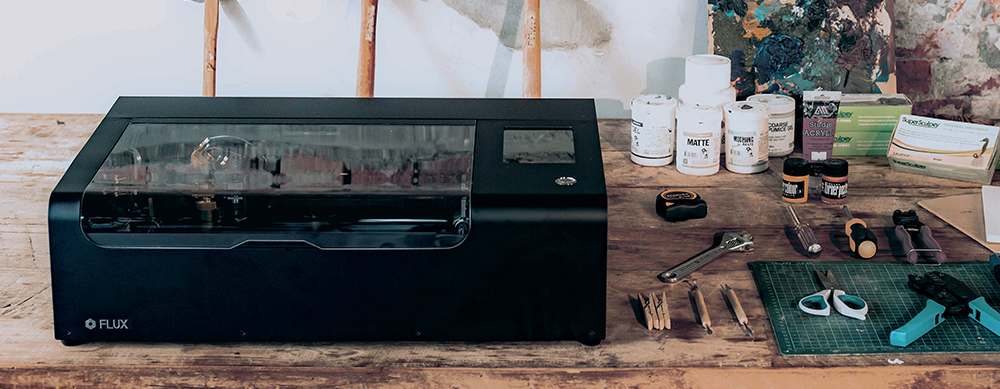
The Beamo's beam produces a spot size finer than a human hair, enabling engravings up to 1,000 DPI and controlled cuts with 0.05 mm depth. This precision makes it suitable for model components, detailed artwork, branding, and small text that must remain sharp.
Beam Studio provides full control over power, speed, passes, and bitmap tuning, while the built-in camera ensures accurate placement on irregular or pre-cut materials. Together they reduce the need for repeated test cuts and speed up prototype-to-production transitions.

Beam Studio & Accessory Expansion
Beam Studio supports common file formats (SVG, DXF, PNG, JPG) and gives users clear control over job settings, making it easy to integrate alongside 3D printers or CNC equipment. Its camera alignment and live preview simplify positioning, especially when working with pre-cut pieces.
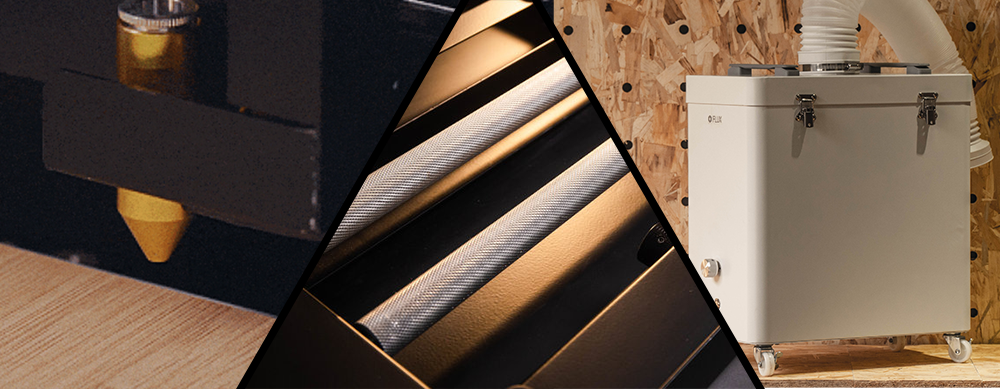
Beamo also supports a range of accessories. Beam Air provides efficient fume filtration for indoor setups, the Rotary module enables engraving on bottles and cylindrical items, and the Autofocus upgrade automatically adjusts height for consistent results when cutting thicker or variable materials.
Cooling System & Safety Features
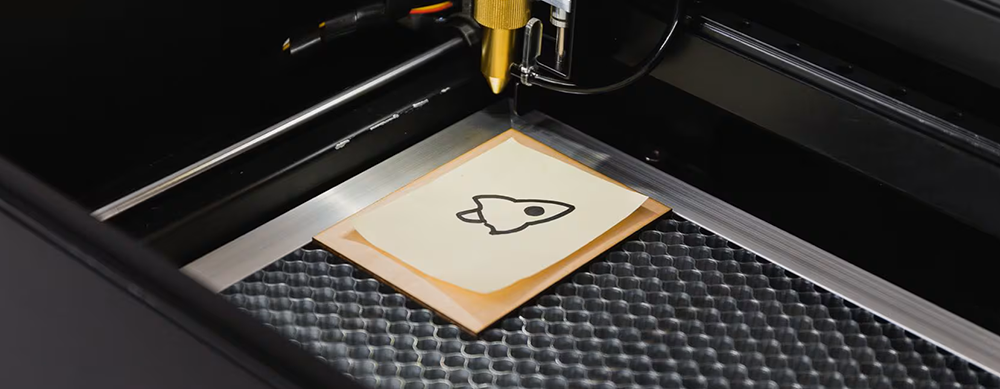
The closed-loop water cooling system maintains stable operating temperatures, keeping beam performance consistent during long engraving sessions. This helps reduce thermal drift and extends component longevity.
The fully enclosed design includes automatic lid-open detection, pausing the job instantly for safety. These features make Beamo suitable for workshops, home studios, and education environments where predictable and safe operation is essential.
| Technical Specifications |
Technical Specifications
|
|---|
What's in the Box
- Beamo Laser Engraver
- Honey Comb Platform
- Vent Hose
- Wi-fi dongle
- Power cord
- Lubricant
- Duct clamp
- Double sided tape
- Small wrenches
- Hex key
- Funnel
- Sample material
FLUX beamo FAQs
What is the FLUX beamo and who is it best for?
The FLUX beamo is a compact 30W CO₂ laser cutter and engraver with a 300 x 210 mm working area. It is a good choice where space is limited but you still want the material versatility of a CO₂ laser, including the ability to work with acrylic as well as wood, leather, card and many engraving materials.
What materials can the FLUX beamo cut and engrave?
beamo can cut and engrave common laser-compatible materials including wood, acrylic, leather, paper, cardboard and rubber. It can also engrave materials such as glass, stone, anodised aluminium and suitably prepared or coated metals. Always confirm that a material is laser-safe before processing it.
Can the FLUX beamo cut clear acrylic?
Yes. Because beamo uses a CO₂ laser, it can process clear as well as coloured laser-safe acrylic. This is an important advantage over visible-blue diode laser cutters, which generally cannot process clear acrylic in the same way.
How thick can the FLUX beamo cut?
FLUX markets beamo as capable of cutting up to around 7 mm in suitable low-density materials, while its technical support specification describes 0–5 mm as the usual cutting range. Actual cutting depth varies significantly with the material, density, focus, lens condition, speed, power and number of passes, so maximum figures should be treated as material-dependent rather than guaranteed for every sheet.
Can the FLUX beamo cut or engrave metal?
The standard 30W CO₂ laser is not designed to cut metal. It can engrave anodised or coated metal and can mark stainless steel when used with a suitable marking compound. An optional 5W diode module is also available for beamo and can directly engrave certain stainless steels, but it does not turn the machine into a metal-cutting laser.
What is the FLUX beamo working area and material depth?
The standard working area is 300 x 210 mm and the working depth is 45 mm. This makes beamo particularly suitable for smaller signs, jewellery components, models, personalised products and compact production work rather than large sheet processing.
Does the FLUX beamo camera preview cover the whole cutting area?
Not completely. FLUX specifies a 300 x 210 mm working area but a camera preview area of approximately 300 x 195 mm. You should therefore allow for a small section of the working area that is outside the normal camera-preview coverage.
Does the FLUX beamo have autofocus?
Autofocus is not standard on the original beamo. The machine can be focused manually, or an optional FLUX Autofocus Add-on can be fitted for a more automated workflow.
Can the FLUX beamo engrave bottles, glasses and tumblers?
Yes, with a compatible rotary accessory. FLUX supports rotary and chuck-style rotary options for beamo, allowing cylindrical objects such as glasses, bottles and other suitable round items to be engraved. Some accessory combinations require the Open Bottom Add-on, so compatibility should be checked before ordering.
Can I use LightBurn with the FLUX beamo?
Yes. FLUX provides official support for controlling beamo through LightBurn using the FLUX LightBurn Bridge Cable. LightBurn is third-party software and some FLUX-specific functionality differs from Beam Studio; FLUX currently notes that beamo's camera-preview feature is not supported through the standard LightBurn workflow.
What software does the FLUX beamo use?
FLUX provides its own Beam Studio software for preparing and sending laser jobs. Common artwork formats including JPG, PNG, SVG, DXF and AI are supported, and FLUX also provides a LightBurn Bridge Cable workflow for users who prefer LightBurn.
Does the FLUX beamo need ventilation or an air filter?
Yes. Laser cutting and engraving produce smoke, particles and odours, so the exhaust must be managed properly. Where practical, the supplied extraction route should vent safely outdoors; where this is not suitable, a compatible laser filtration system can be used. The correct arrangement depends on the materials being processed and the installation environment.
What maintenance does the FLUX beamo require?
As a glass-tube CO₂ laser, beamo requires routine cleaning of its optics and working area as well as checks of the cooling system and optical alignment. FLUX specifies distilled water for its water-cooling system. Maintenance frequency depends on how heavily the machine is used and which materials are processed.
Is the FLUX beamo safe to use?
beamo is an enclosed Class 1 laser product when operated in its normal configuration with its safety systems functioning. As with any laser cutter, it should be operated according to the manufacturer's instructions, with suitable extraction, and should never be left unattended while cutting or engraving.
How large and heavy is the FLUX beamo?
FLUX specifies the beamo at approximately 615 x 445 x 177 mm and 22 kg. Its relatively compact footprint is one of its main advantages for studios, classrooms and workshops where a larger CO₂ machine would be difficult to accommodate.