

Flux Laser: Professional One-to-One Training Session
Give your team a confident, structured start with a hands-on training session tailored specifically to Flux CO₂ laser cutters including Beamo and Beambox models. This is practical onboarding designed for workplaces with little or no prior laser experience, as well as teams upgrading from hobby use to production use. We guide you from safe installation and setup through to running reliable, repeatable production jobs in Beam Studio.
The goal is simple: by the end of the session, your machine is correctly configured, your workflow is documented, and your team understands not just how to run it — but how to maintain it properly and avoid common causes of downtime.
- Hands-on, one-to-one training tailored to your workflow.
- Full machine setup, cooling system checks, and safe operation.
- Beam Studio workflow from first design to finished part.
- Maintenance and troubleshooting guidance specific to CO₂ systems.
Machine Setup, Safety & CO₂ System Fundamentals
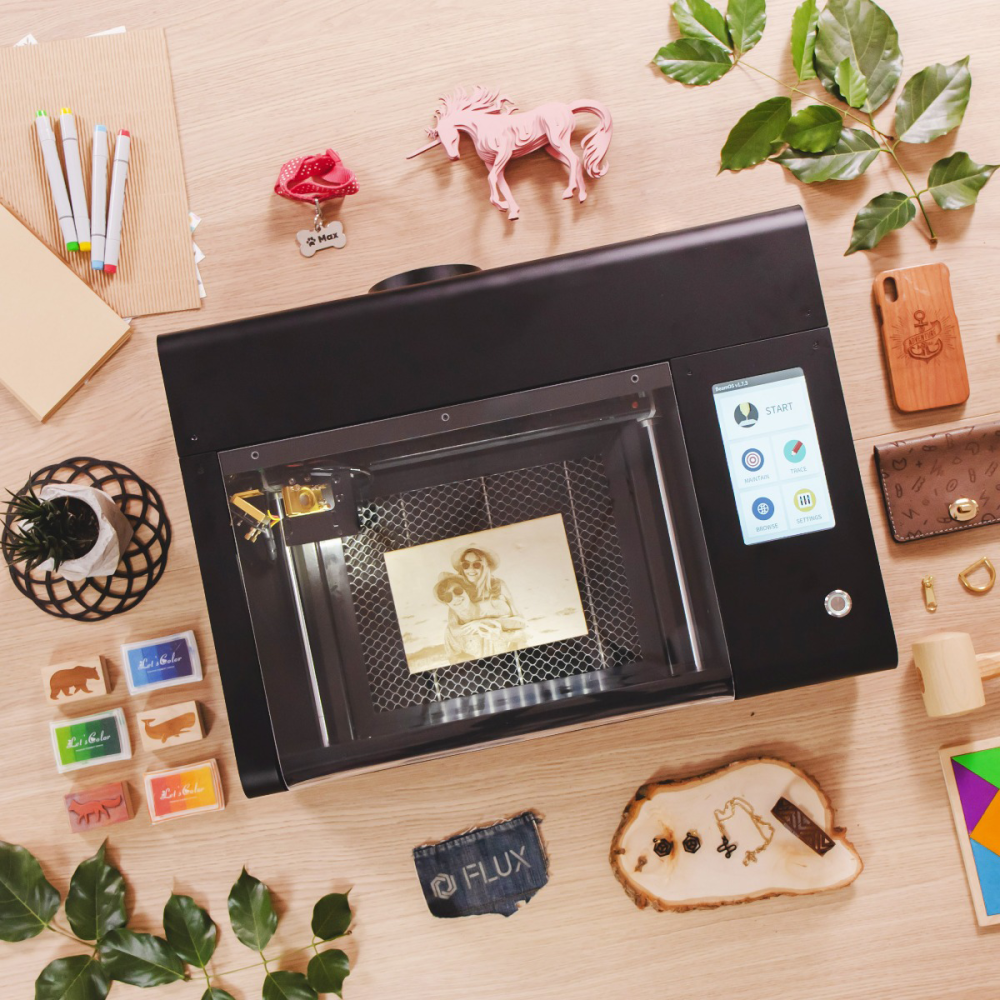
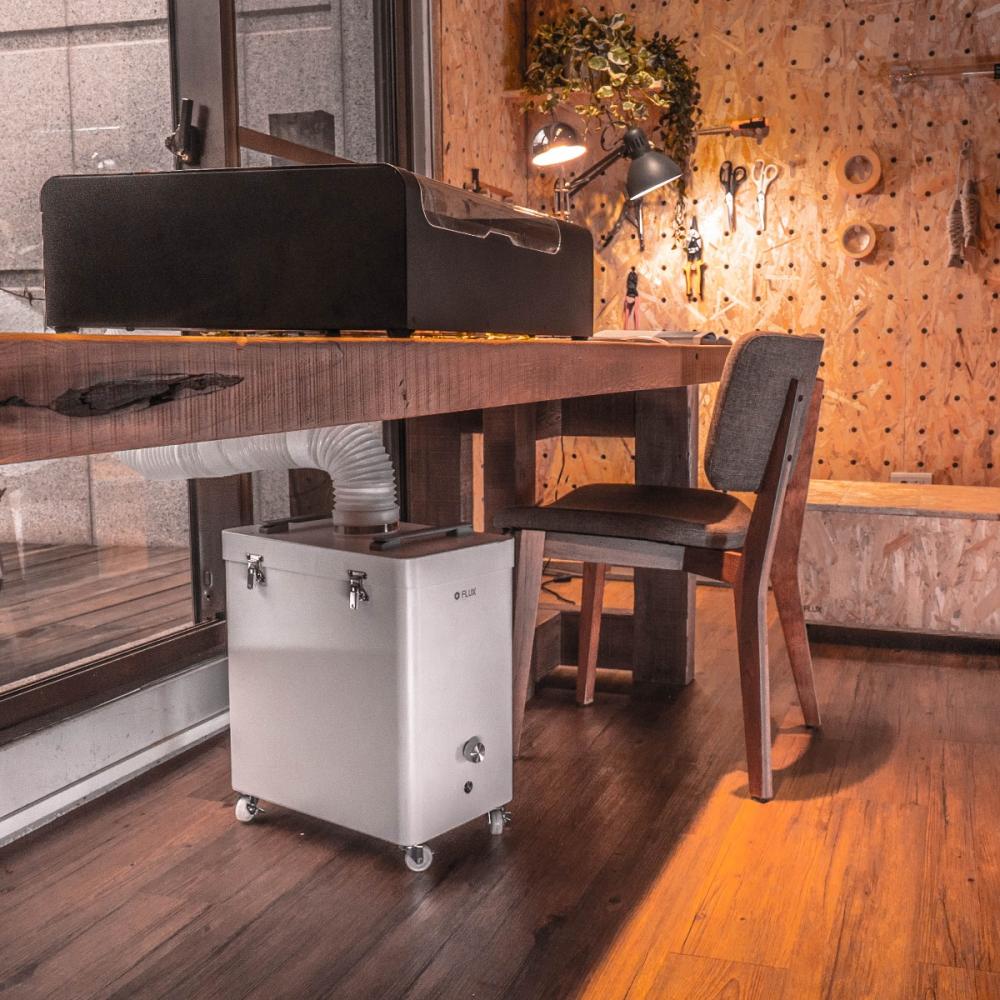
We begin with correct positioning, ventilation routing, and safety checks. For CO₂ systems, this includes cooling system setup, water level inspection, airflow verification, and correct focusing using the manual focus probe. We explain how the laser tube, mirrors, and lens work together so your team understands what affects cutting power and consistency.
You will also learn the essential maintenance routines that protect your investment: optics cleaning, honeycomb care, airflow checks, and how to recognise early signs of cooling or alignment issues before they affect production.
- Correct placement, ventilation and safe operating practice.
- Cooling system checks and water maintenance guidance.
- Manual focus procedure and alignment awareness.
- Optics cleaning and preventative maintenance routine.
- Common first-week mistakes and how to avoid them.
Beam Studio Workflow & Production Best Practice
Inside Beam Studio, we build a clean, repeatable workflow. This includes importing artwork, organising layers correctly, managing cut and engrave order, and selecting appropriate power, speed, and pass settings for different materials.
We demonstrate how preview paths relate to real-world results, when to run test grids, and how to build a simple material settings library for future jobs. File preparation is also covered — including vector setup, text welding, image handling, and avoiding common artwork issues that cause failed jobs.
- Importing artwork and organising layers efficiently.
- Understanding power, speed and pass relationships.
- Preview tools and job order management.
- Building a reusable materials settings library.
- File preparation best practice for production work.
Live Job Execution & Troubleshooting

We run real materials during the session so your team sees exactly how settings translate into results. You will learn how to judge cut quality, identify underpowered or overburnt edges, and adjust parameters methodically rather than by guesswork.
We also cover practical troubleshooting scenarios including weak cutting, inconsistent engraving depth, airflow problems, and cooling system alerts. This ensures your team can diagnose common issues confidently without unnecessary downtime.
- Guided first production jobs on your materials.
- How to evaluate cut and engrave quality.
- Adjusting settings systematically and safely.
- Cooling, optics and airflow troubleshooting basics.
- When to inspect alignment and when to call support.
What You’ll Leave With
By the end of the session, your machine will be fully configured and safely operating, your workflow will be documented, and your team will understand both daily operation and long-term maintenance requirements.
- Configured machine ready for daily use.
- Documented workflow from design to finished part.
- Recommended settings for your core materials.
- Maintenance checklist to protect tube and optics.
- Confidence to run safe, repeatable production jobs.
To schedule your session, add this training to your basket and our team will contact you to arrange a convenient date and confirm any pre-training requirements.
What's in the Box
- 1 x FLUX Training Service
